

Training for Faculty
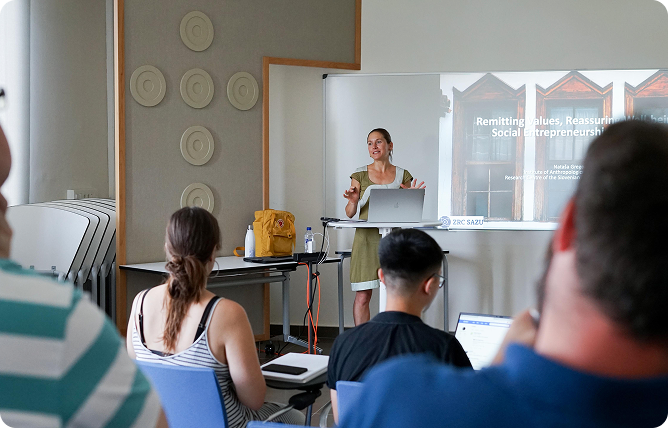
The IQS Library offers training sessions adapted to the specific needs of academic staff and their students. These sessions provide an in-depth look at how to use resources, tools and information search strategies.
What we offer at IQS Library
- MERIT sessions
- Leganto sessions
- Sessions on the services offered by the Library
- Sessions on specific resources for students on your course
Please contact us and let us know what you need.
Guide and other resources
List of Resources
At the IQS Library, we have selected and categorised the main resources where you can find all the information you need to complete your academic and research work.
Easily find resources by subject or type, and access them using your IQS login details.
Guides and other resources
Citation of Documents
Indicating the author and document from which the information presented in an academic or research paper has been extracted is a basic practice that adds rigor and accuracy to your discourse. There are different citation styles and bibliographic managers that allow you to generate citations in your documents automatically.
What we offer at IQS Library
- Training to learn how to cite and understand different citation styles
- Support and training for bibliographic managers such as Mendeley and Zotero
Guides and other resources
Copyright and Intellectual Property
Intellectual Property is essential to understanding how the literary, artistic, and scientific creations we use and produce in academia are protected and managed. Knowing the rights that affect books, images, videos, software, and teaching materials — as well as the licenses that regulate their use — allows us to work responsibly, ensure respect for authors, and prevent misuse.
What we offer at IQS Library
- Help and advice on concepts and regulations
- Case studies to help you use and share content safely
Guides and other resources
Academic Assignments (TFG/TFM)
An academic paper is a document that addresses a topic in a systematic manner, based on the search for, selection and analysis of reliable information. Its purpose is to demonstrate the student’s ability to research, argue and present ideas using critical thinking, whilst adhering to a clear structure and the formal rules of presentation and citation.
What we offer at IQS Library
Guides and other resources
Self‑Service Printing
IQS offers a self-service printing and copying facility for students, academic staff and administrative staff at the Campus. This service allows you to scan, photocopy and send documents for printing from any type of device, whether Windows, Android, macOS or iOS.
Set up your device by following the instructions on the Virtual Campus (authentication required).
Guide and other resources
Internet and Wi‑Fi Access
IQS offers Eduroam, the wireless network for the University Community. To find out how to set it up, visit the Virtual Campus (authentication required).
If you need IT support, please contact the ICT Service.
Guide and other resources
University ID card URL
All members of the university community can access the IQS Library with a valid Universitat Ramon Llull ID card, which is personal and non-transferable.
This card is essential for:
- Identifying yourself as a member of the URL, both on and off campus.
- Using the lending service at university libraries in Catalonia that are part of the CSUC network.
- Accessing benefits and discounts across a wide range of cultural and commercial services.
How do I get a Ramon Llull University ID card?
It’s very simple: download the AppURL and log in using your institutional email address and password. For further information, please see the details on the University Smart Card (TUI) service.
Guides and other resources
Request for Documents in Digital Format
With Discovery, you can access numerous articles and book chapters in digital format.
If you cannot find what you need among the IQS collection, expand your search and submit a request: you will receive the document by email within approximately 24 hours.
- Documents are provided in digital format and are for study or research purposes only.
- Complete works (entire books or journal issues) are not provided.
- This service is subject to intellectual property regulations.
Guides and other resources
Loan Service
Borrow the materials you need from the IQS Library and other URL libraries.
From My Account, you can:
- Book the materials you’re interested in
- Renew your loans and much more
- View your active loans, reservations, and fines
Can’t find it at the URL?
- Expand your search in Discovery to see if it’s available at another consortium member institution.
Pickup and Return
- You can pick up and return items at any of the URL libraries.
See the Loan Guide for more information.